![3D Tuning Tablet: Colorful Nitro Flames & Props, Glowing Brakes, Anti-Lag & more! [Open Source]](https://dunb17ur4ymx4.cloudfront.net/packages/images/c708950be42f9fa5bc2db171725b3a9119fa3c75.gif)
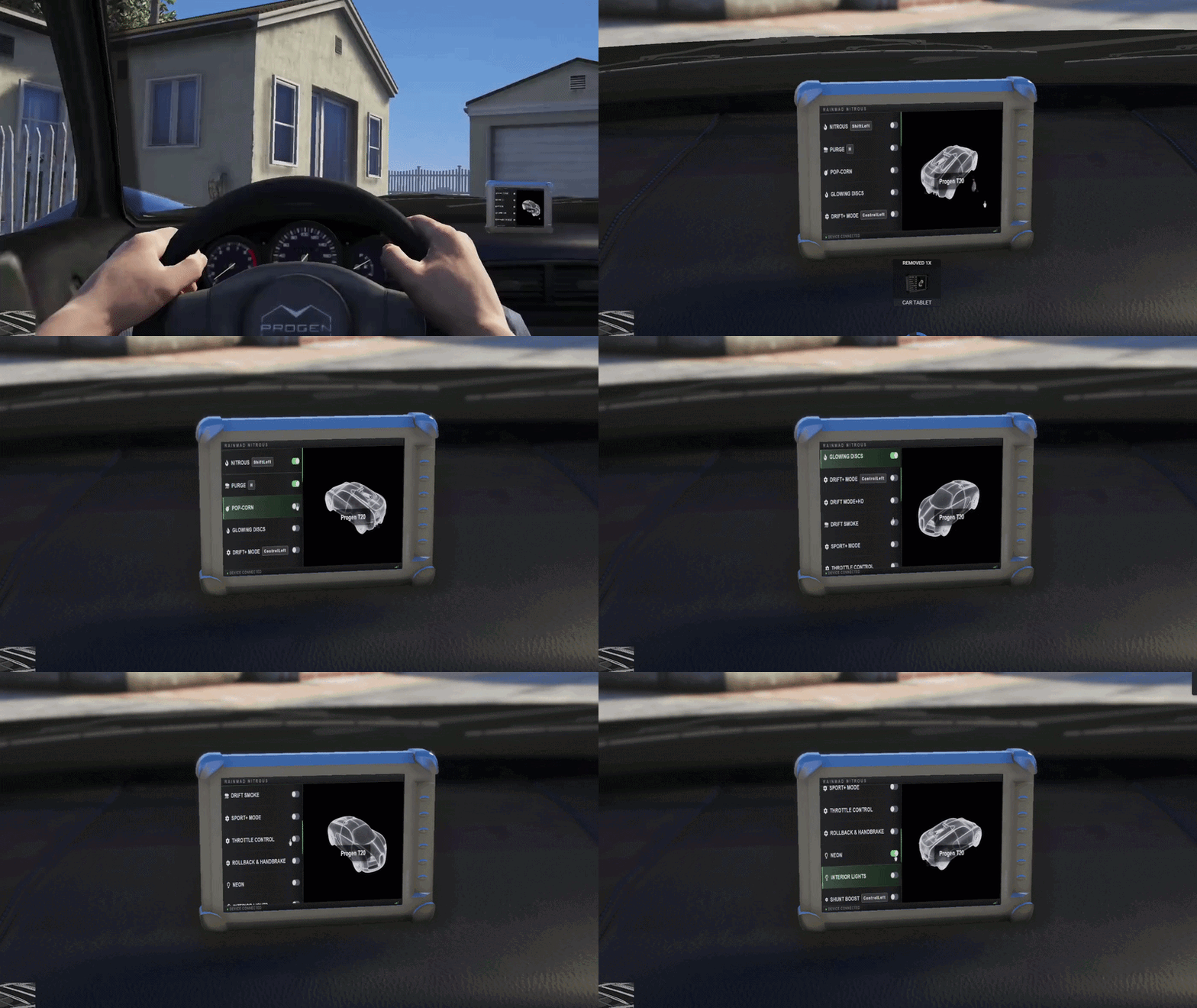
After months of tuning and road-testing, the project is finally here: a complete in-car tuning experience, built around a physical installable tablet. Custom controls, nitro flames, exhaust pops, and more, everything you need, right inside the vehicle.
The centerpiece of the script is the in-car tablet. It’s a real prop attached to the windscreen, you install it with an item and place it wherever you like using a drag-and-rotate gizmo. Once installed, pressing your keybind opens the tablet and cinematically smooths the camera onto its screen.
Scrollable menu of toggleable features
Per-vehicle feature state stored server — rejoin the car and your toggles are still on
Everything syncs perfectly across clients, effects, sounds, exhaust flames. A fully synchronized experience where everyone sees exactly the same.
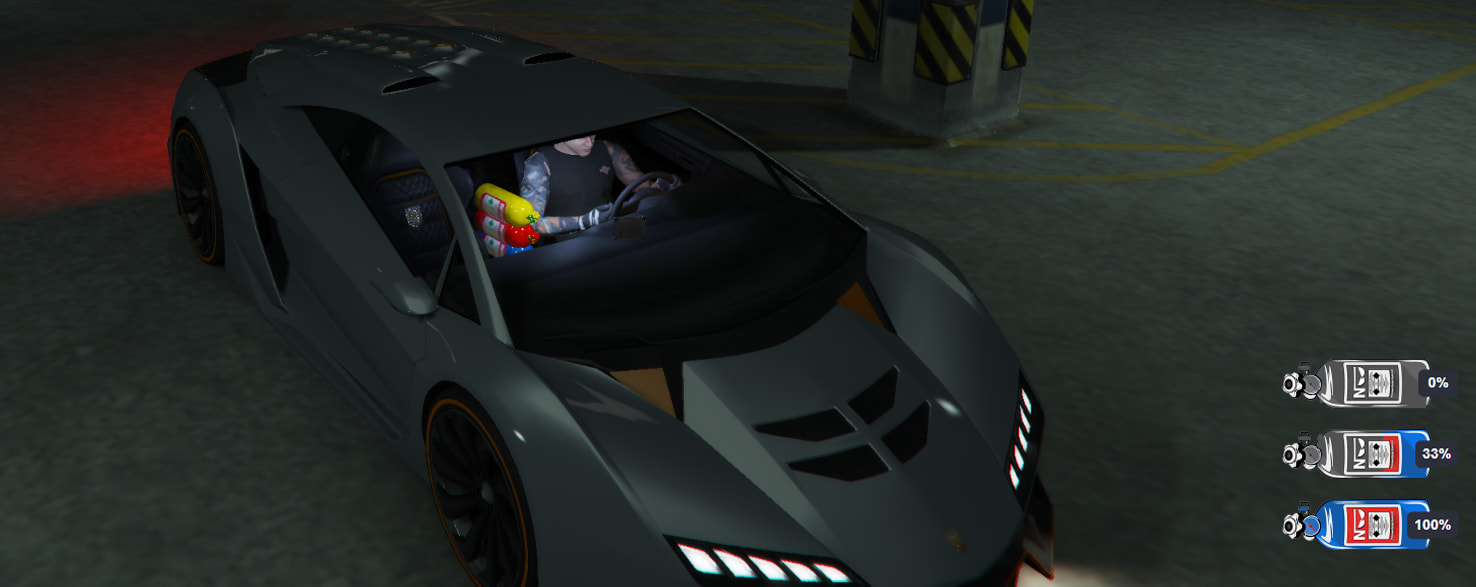
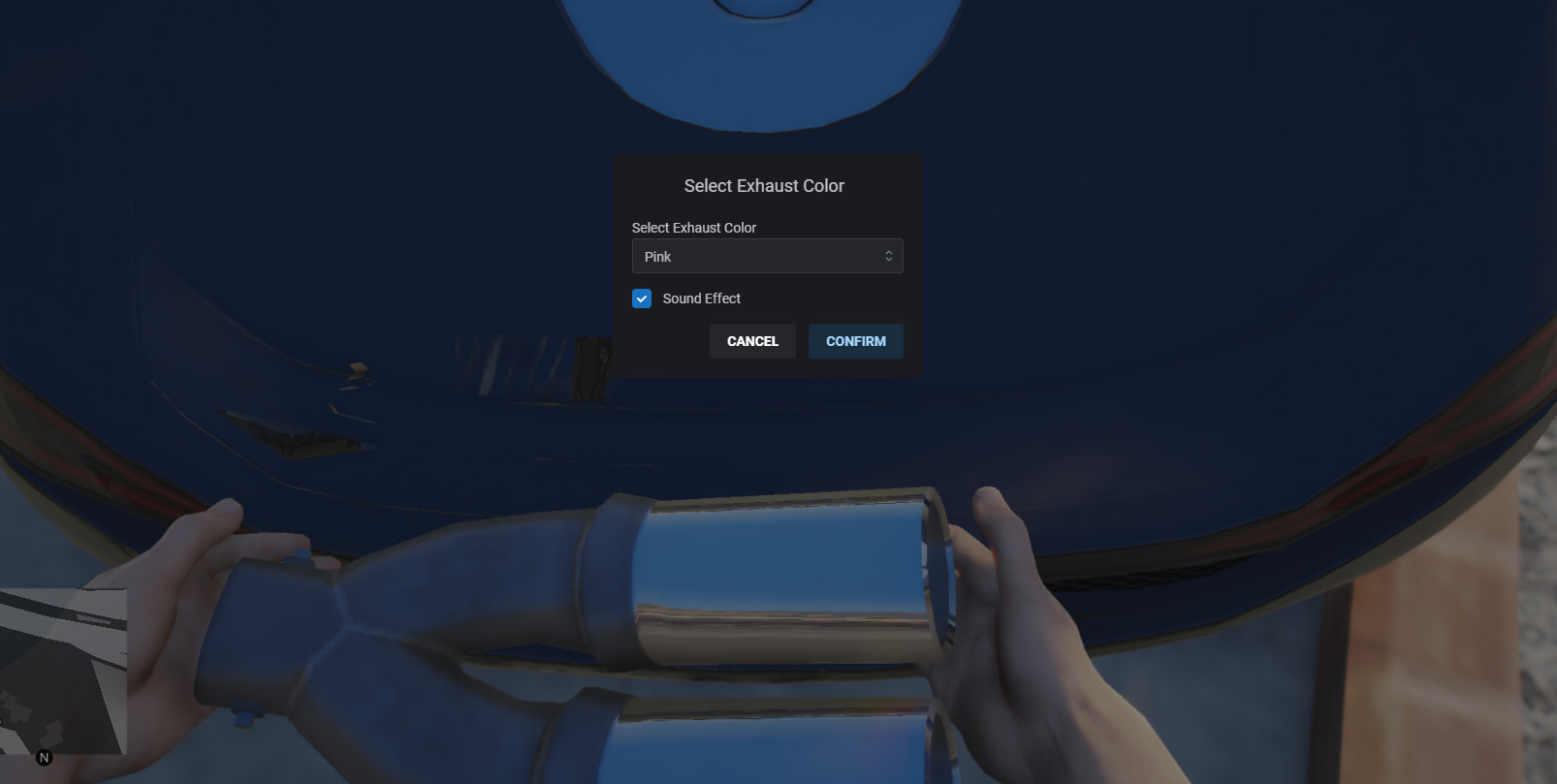
Not your usual “one bottle fits all” nitro. Every bottle is its own item with its own in-world texture, and the particle flame color is picked at install time from a dialog — so you can have a pink bottle shooting cyan flames if you feel like it.
10+ nitro bottle prop colors (default, white, black, green, yellow, red, pink, dark green, brown, gray, purple, orange, dark blue)
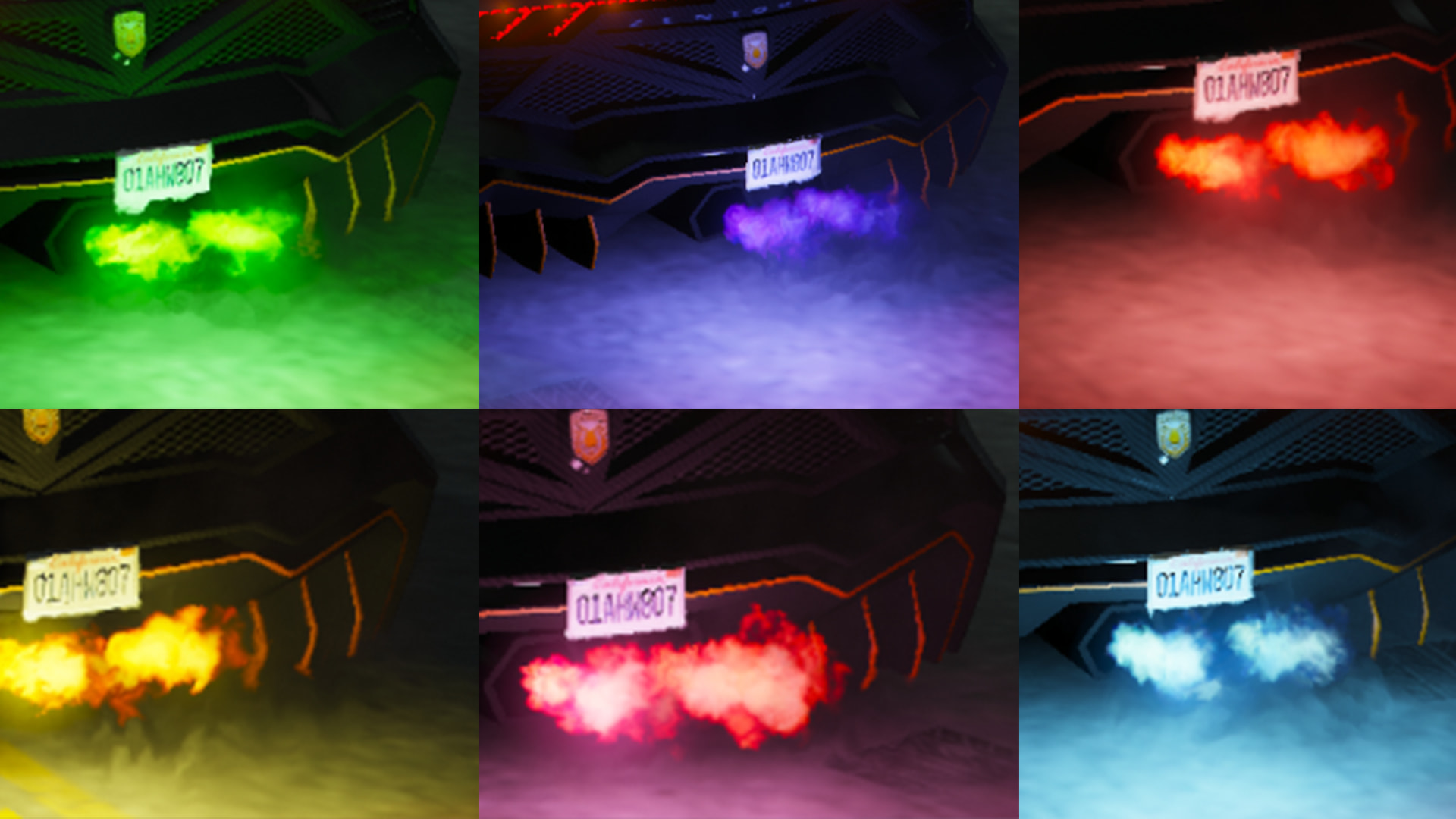
10+ flame particle colors picked per install
Multiple tanks per vehicle with a per-model cap
Custom GTA Native Sound effects for nitrous. (for start, idle & end nitro phases)
Configurable boost multiplier, drain rate, minimum speed, minimum RPM, anti-spam cooldown
Purge-on-release effect for the final touch
Draggable nitro bar HUD (/move_nitrobar, /nitrobar, /reset_nitrobar)
Turbo-mod requirement toggle
Vehicle class whitelist + model blacklist
Job restrictions
Colorful nitro props & flames + nitro bottle icons
/nitrobar — toggle the nitrous HUD bar on/off
/move_nitrobar — drag the HUD bar anywhere on your screen

/reset_nitrobar — reset the HUD bar to its default position
/givenitro [playerid] [count] — admin command to give nitrous tanks to a player’s vehicle
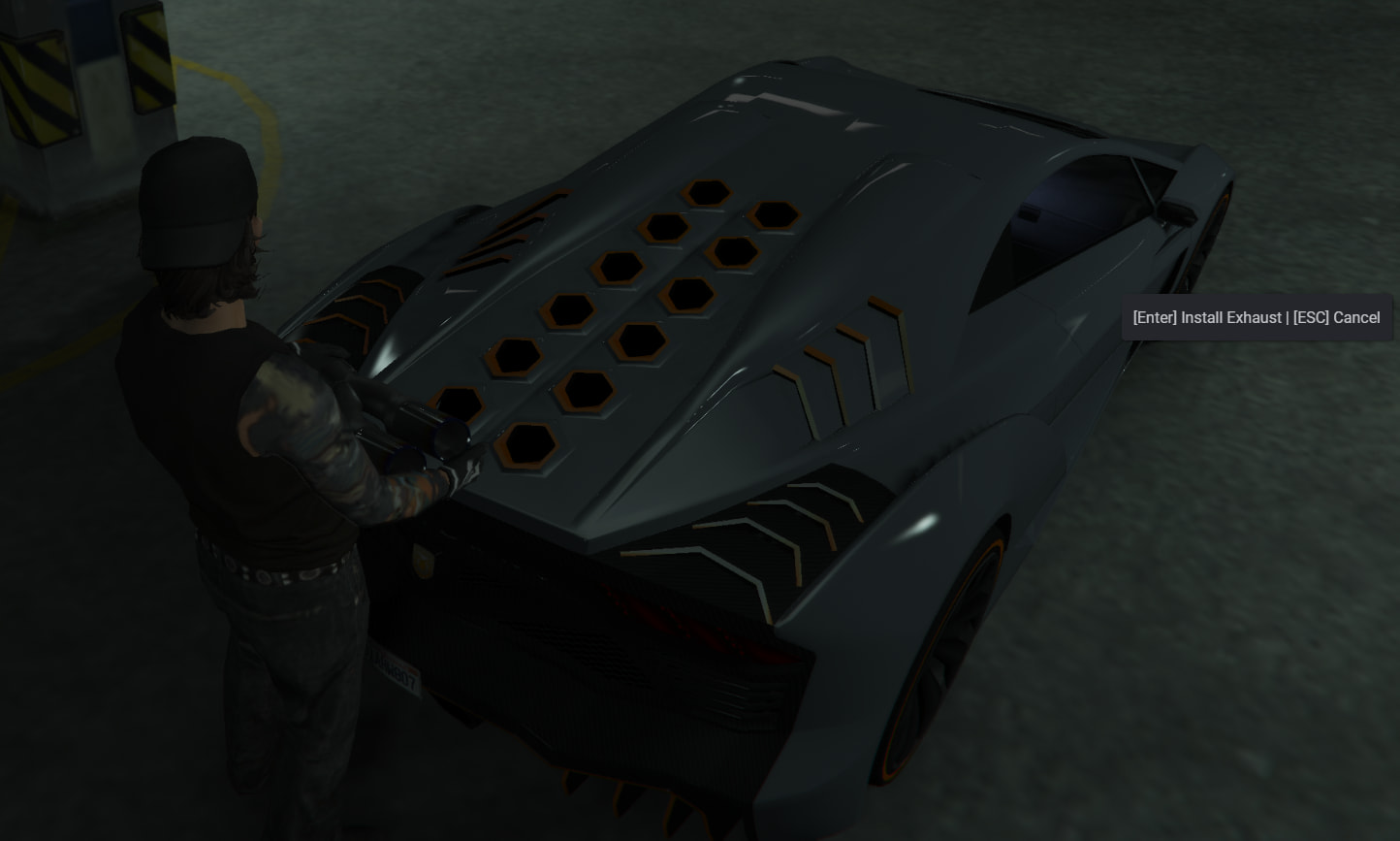
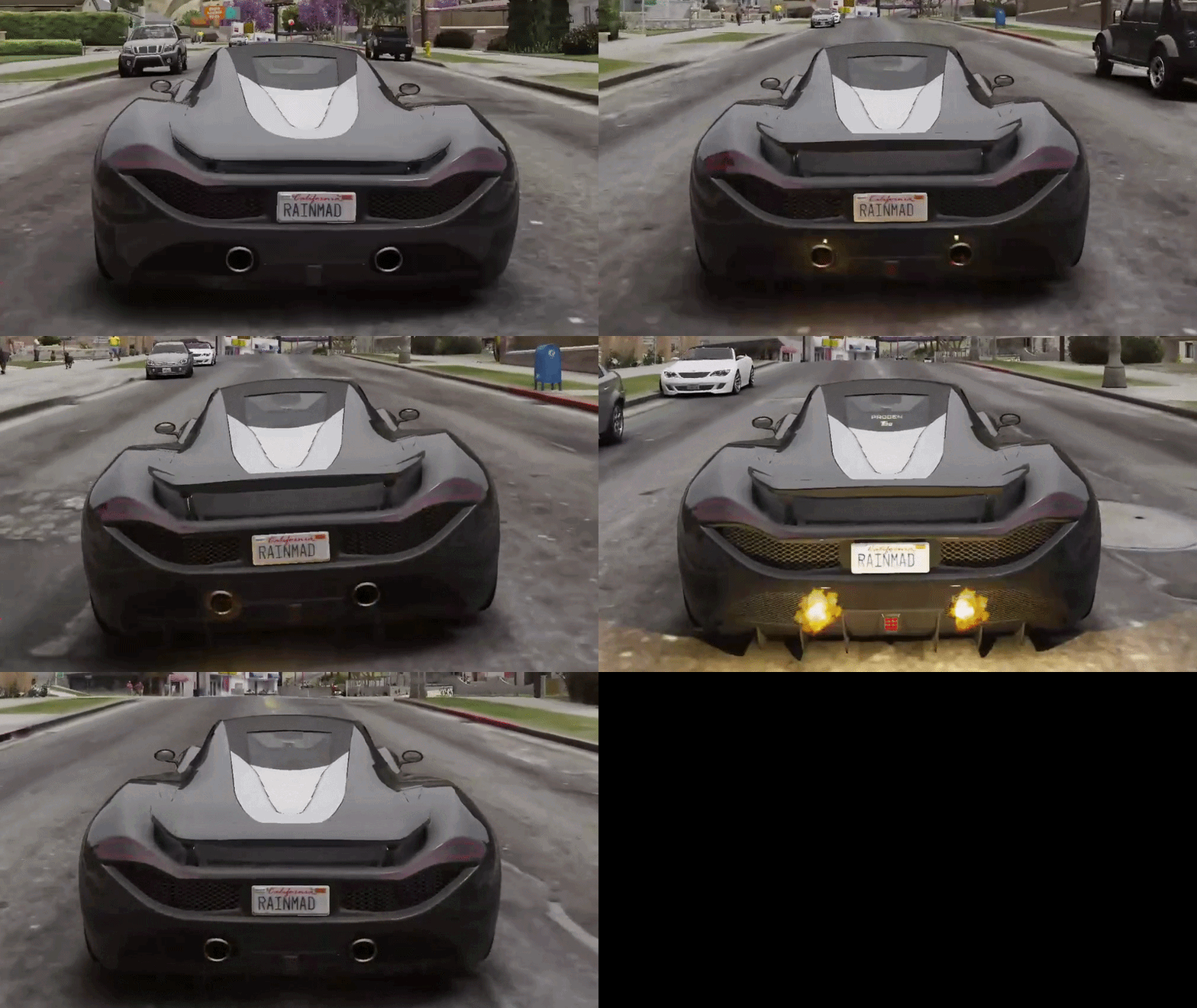
Add a bit of soul to the back of the car. Flames on gear shifts and on throttle lift-off, with optional pop sounds.
10+ selectable exhaust flame colors
Optional backfire sound (per install)
Gear shift and throttle lift-off detection
Config-tunable cooldown between pops, flame duration, RPM threshold
Separate rm_exhaust_remover item to cleanly strip the exhaust back off the vehicle
Ownership check (optional)
Vehicle class whitelist + model blacklist
Two flavors, configurable to run alone or together:
DRIFT+ MODE — the arcade feel. Drift tires, grip loss, stiffer suspension while held. Simple, punchy, works on any car.
DRIFT MODE+HD — handling preset override, per-model mapping via presets.lua
Purge — fire your nitrous system (vented CO2 effect) from the bonnet
Glowing discs — brake discs glow under braking AND during burnout
Popcorn — decel backfire bursts
Drift smoke — tire smoke only while actually drifting (angle-detected, not just rolling)
Sport mode — engine power multiplier with an interrupt kick
Throttle control — RPM ceiling for controlled standing starts
Rollback & handbrake — assist to hold the car on slopes + handbrake turn boost
Neon lights — toggle all 4 neon zones
Interior lights
Shunt boost — forward burst with camera shake and motion blur, cooldown-gated
Every server event is validated: plate is re-derived from netId, items are checked for possession, values are clamped, driver seat is verified, and per-source-per-action rate limits keep effect spam off other players’ cars
Owner validation via framework-specific DB check (configurable per feature)
Job restrictions per item
Vehicle class allowlists and model blacklists per feature
Optional installation progress bars
Install animation (mechanic kneeling animation while installing exhaust/nitrous)
Discord webhook logging for installs, removals, admin commands
Clean restore on resource stop / player disconnect — no frozen vehicles left behind
Locale-driven, every user-facing string is translatable
ox_lib required
mysql required
Frameworks: QBCore, QBox, ESX (auto-detected)
Notifications: ox_lib, qb, ESX, okokNotify, ps-ui
Text UI: ox_lib, qb, ESX, okokTextUI, jg-textui
Progress bar: ox_lib, qb, ESX
All wired through a bridge so you can mix and match or swap out components without touching the core code.
If your existing systems are not on this list, we can easily add them if you send us the necessary documentation.
Performance
Logging
Everything important is in cfg.lua: per-feature allowed classes, blacklisted models, allowed jobs, ownership requirement, keybinds, animation dicts, particle colors and labels, tank limits per model, drift preset mapping, sounds… The defaults ship tuned but nothing is hardcoded if you want to change it.
○ For detailed configuration of all features, visit: DOCS.RAINMAD.COM
