The preview video shows an earlier version. The script has been rewritten and expanded since; everything below describes the current build.
Let players draw directly onto the world. Pick any surface, compose the artwork in a full in-game editor, and place it for everyone to see. Scenes persist in the database, stream to nearby players on demand, and expire on a timer the creator picks. No image hosting, no code edits.
Draw on Any Surface
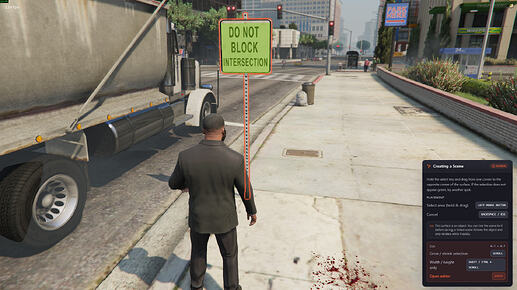
Walls, floors, slopes, billboards, props: if it has collision, it can carry a scene.
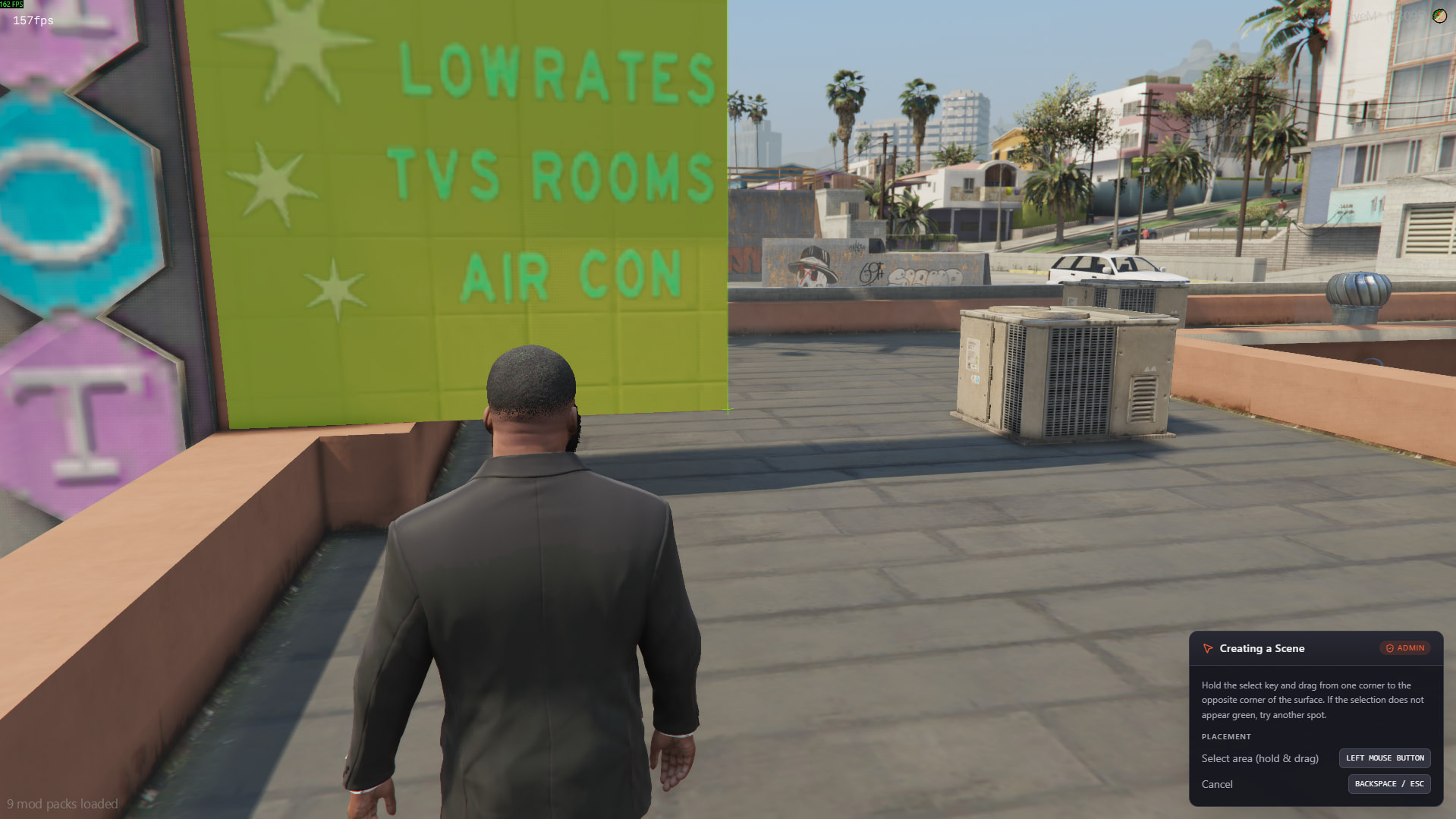
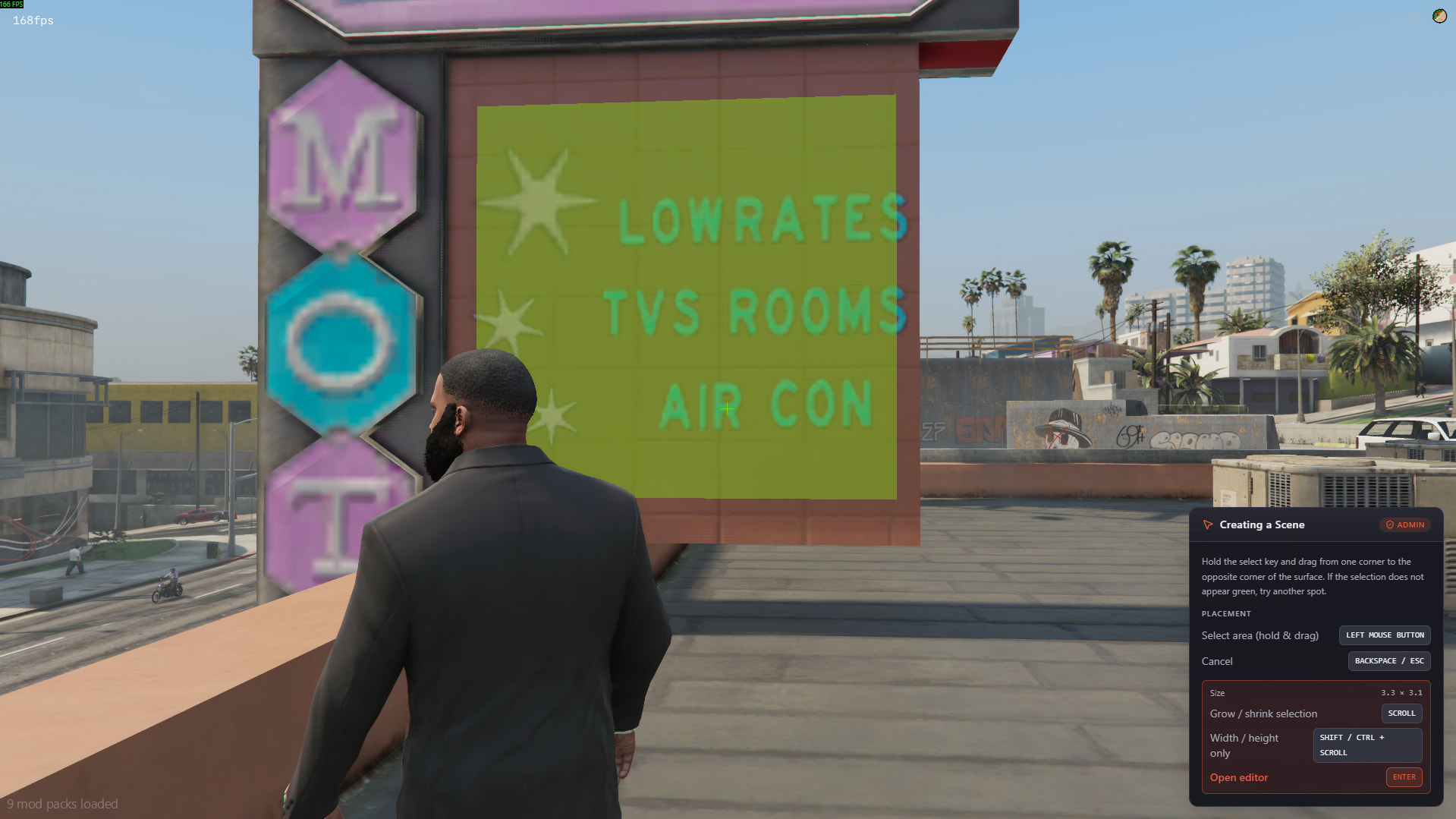
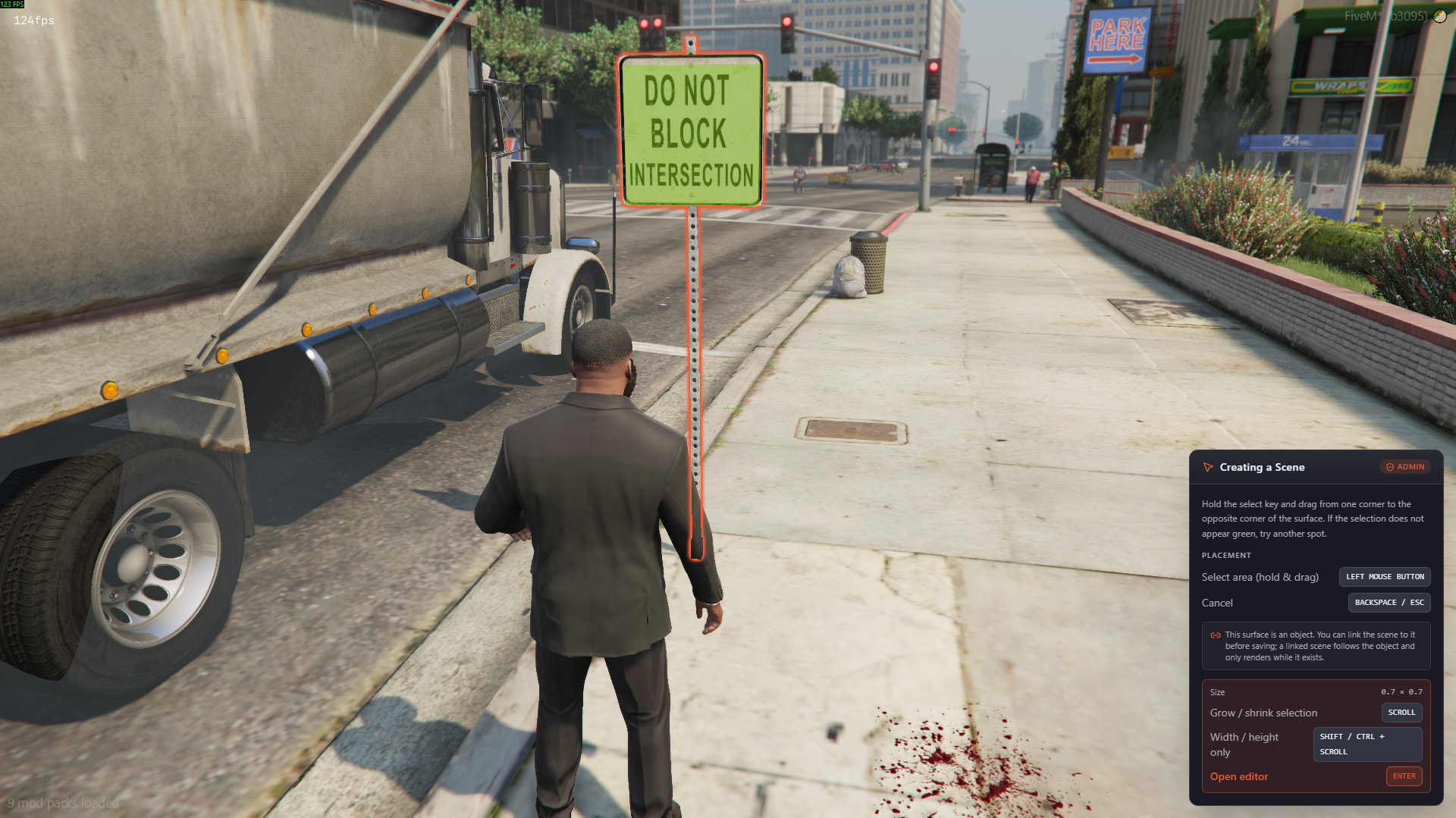
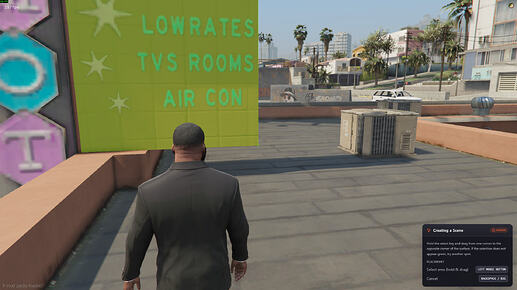
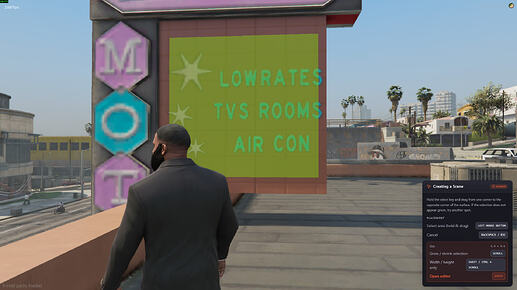
- Drag corner-to-corner with a live green/red suitability preview and a pixel-thin surface crosshair marking the exact pick point.
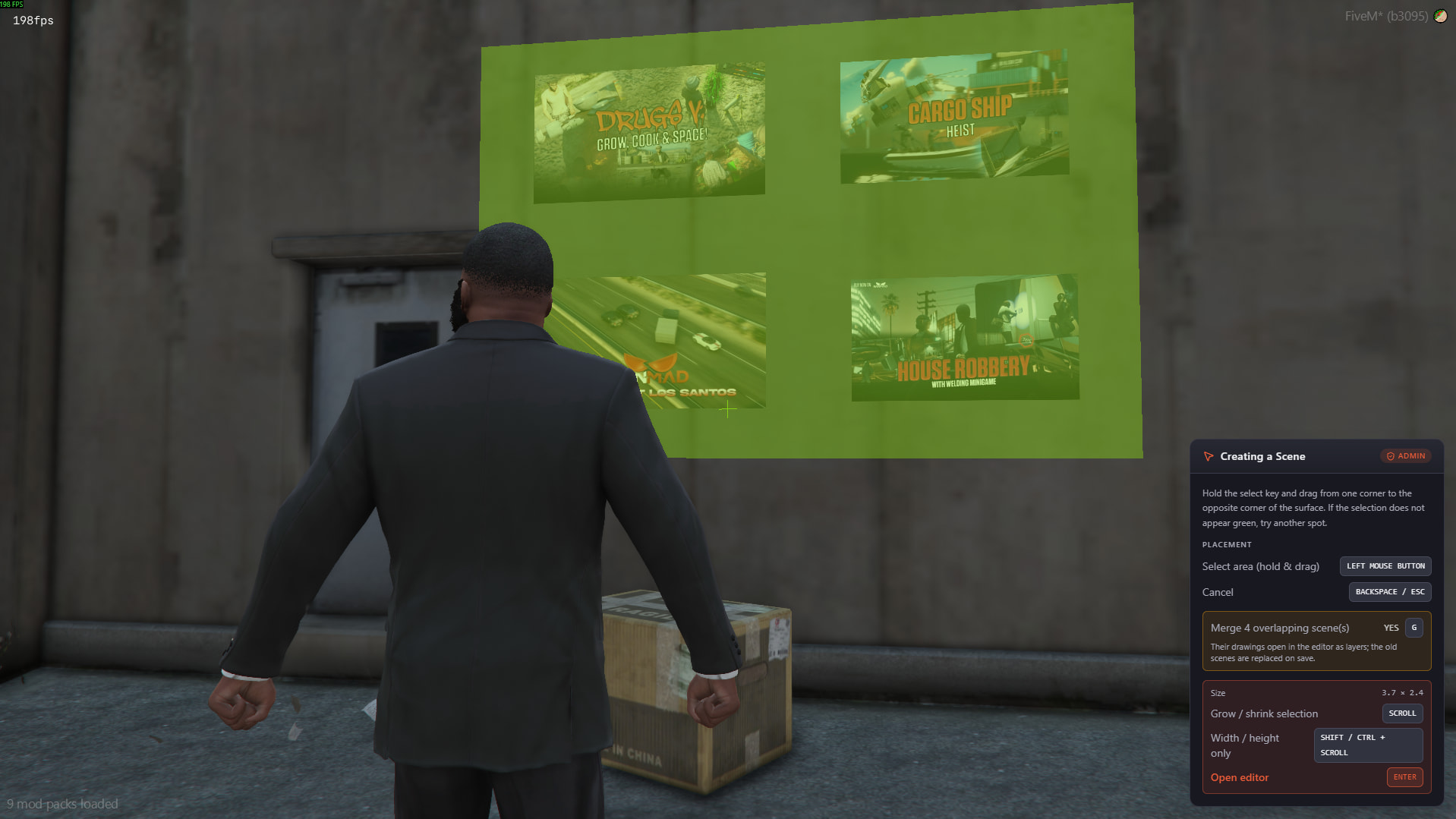
- Fine-tune the locked selection with the scroll wheel; hold a modifier to resize width or height alone. Covering a poster frame edge-to-edge takes seconds.
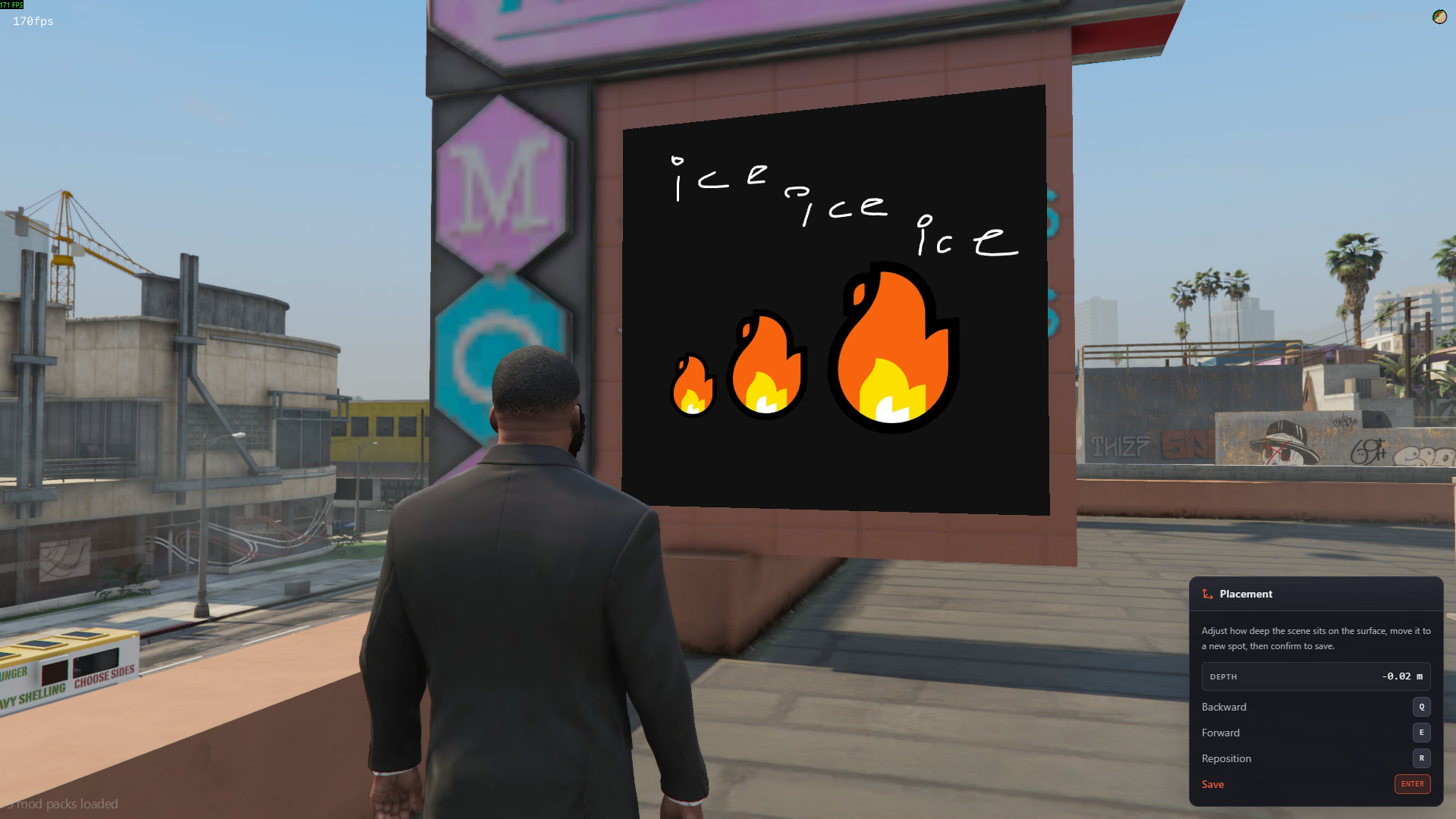
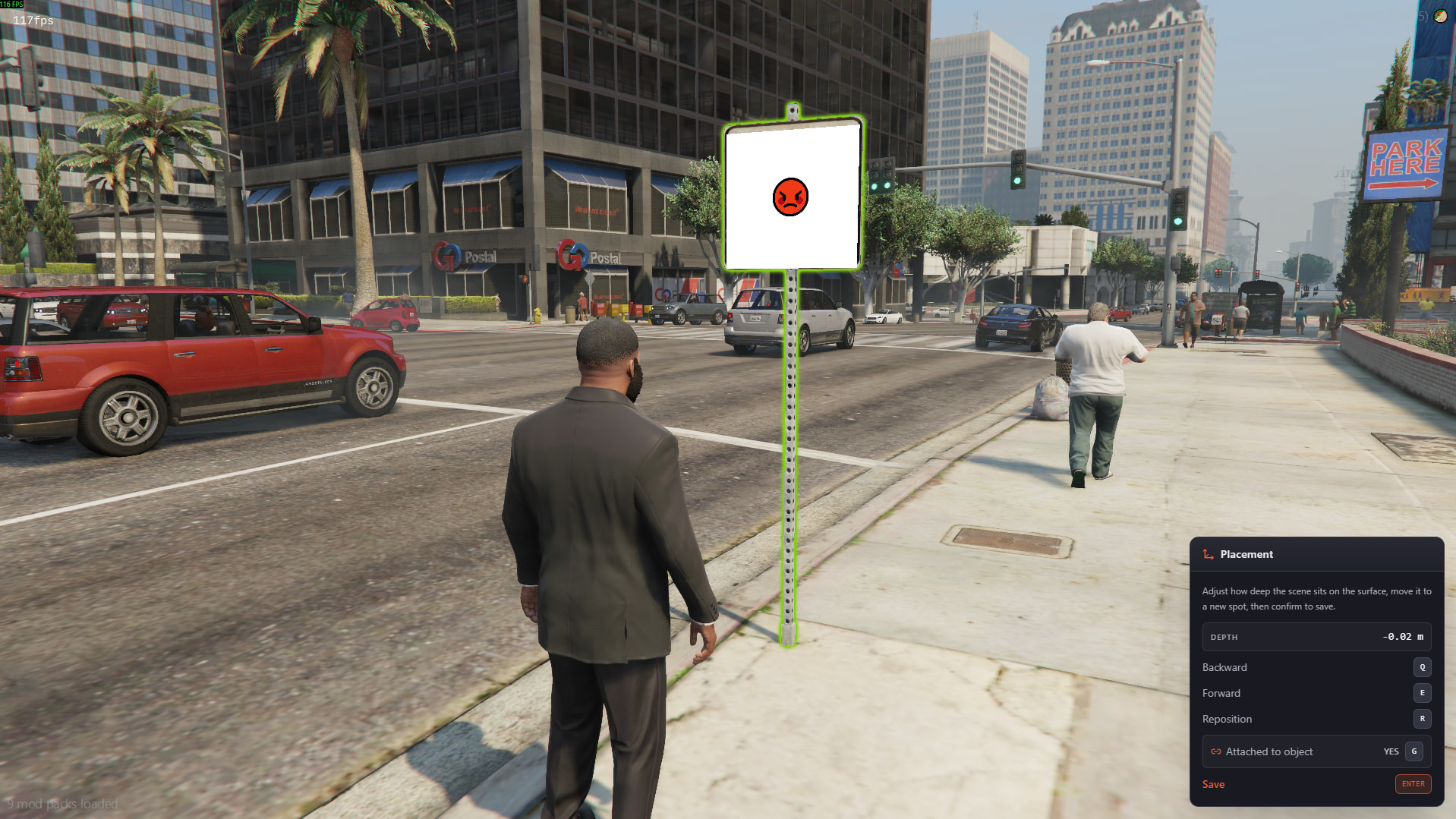
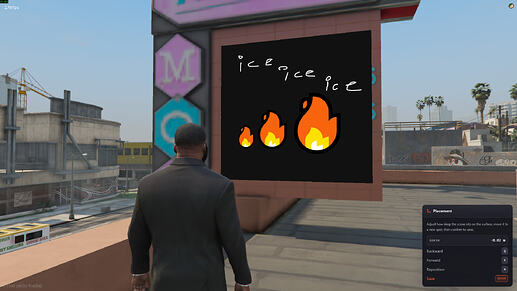
- Nudge the drawing off or into the surface to settle z-fighting, or re-aim it somewhere else at the same size before saving.
- Every key is remappable in the config, and the hint cards always show the live bindings.
The Editor
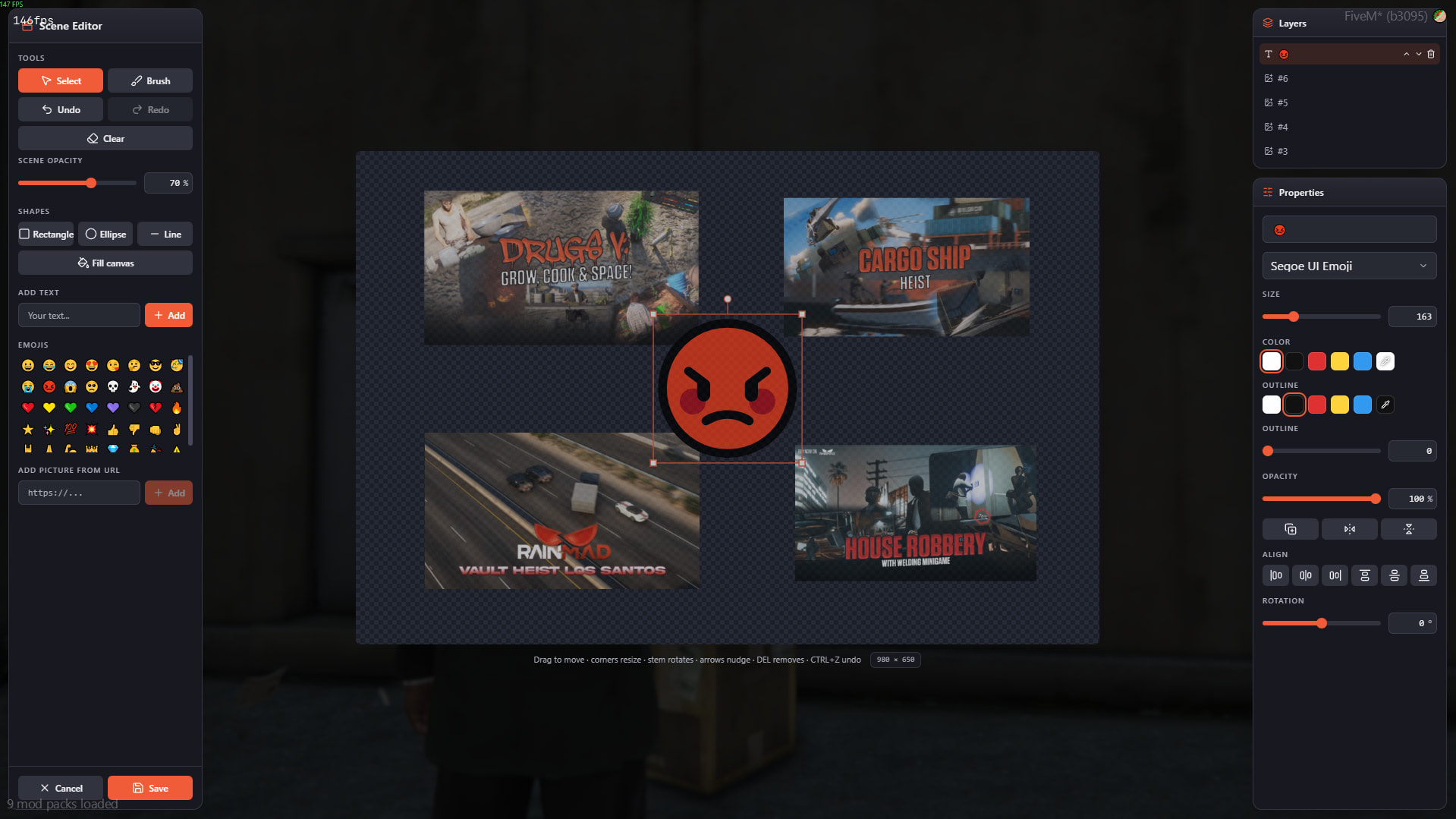
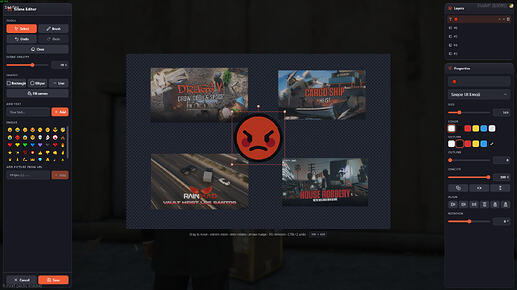
A layered canvas that opens in-game, not a link to an external tool.
- Brush with stroke smoothing, rectangle / ellipse / line shapes, a fill-canvas background tool, text, an emoji picker and image layers.
- Text with outline and any font you ship: Google Fonts embed URLs or direct font files, straight from the config.
- Image layers from a URL, downloaded server-side with strict validation: size cap, real image bytes, no animated sources, SSRF-guarded.
- Undo/redo, duplicate, flip, align, per-layer opacity and keyboard shortcuts throughout.
Object Attachment
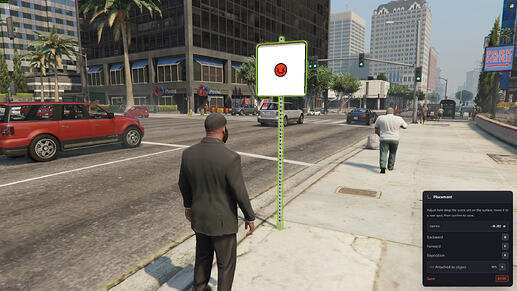
Scenes can live on props, not just on the map.
- Drawing on an object offers an opt-in link: the candidate shows an orange outline, one key turns the link on and the outline green.
- A linked scene follows the object and only renders while it exists. Perfect for containers, signs and furniture.
- Unlinked scenes stay pinned where they were drawn, and a linked scene can be detached later from the list.
Merging Overlapping Scenes
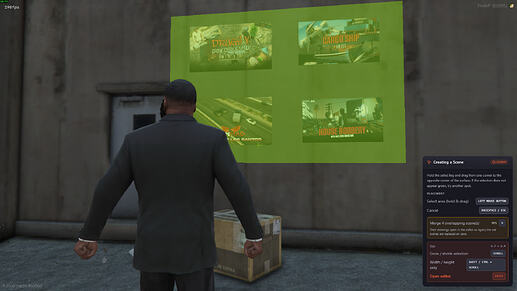
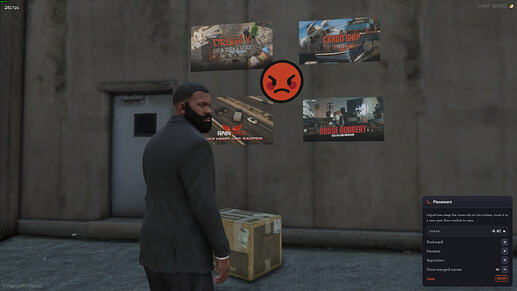
Layer new work over old without stacking renders.
- Drawing over scenes you may replace offers to absorb them: their drawings open as editor layers on top of yours.
- On save the old scenes are deleted and replaced by the single new one. One render does the work of many; up to 16 merge at once.
The Scene List
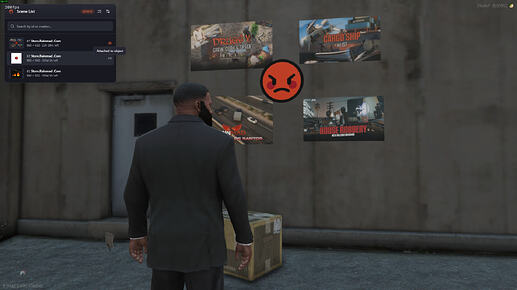
Players manage their own scenes; the list stays live while it is open.
- Rows appear, disappear and update as scenes are created, deleted or moved by anyone on the server.
- Badges show which scenes render near you right now (line-of-sight aware) and which are attached to an object.
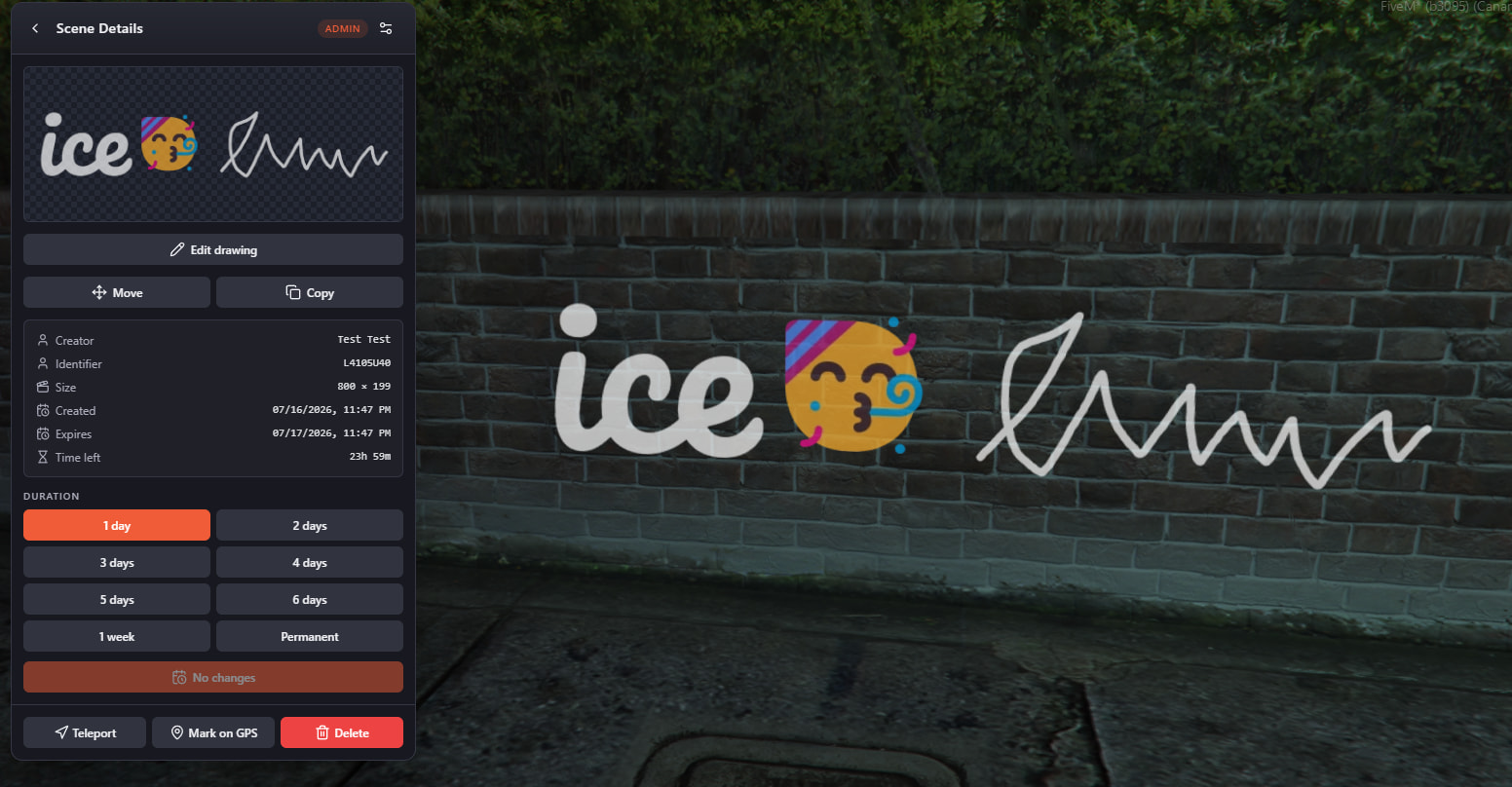
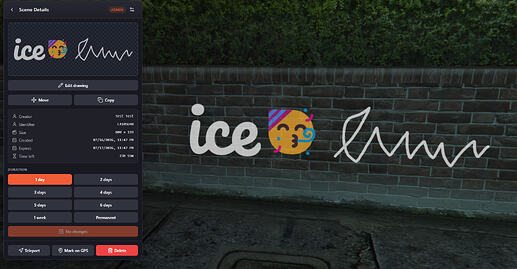
- Re-edit the drawing in place, move, copy, change expiry, mark on GPS, delete.
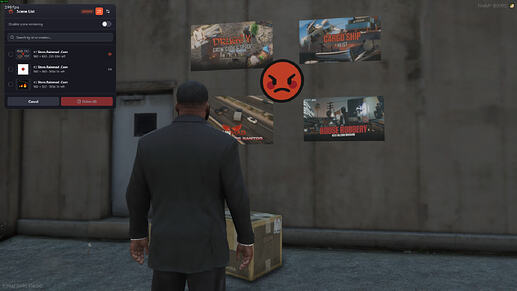
- A per-player render toggle turns the whole system off locally, with a loading indicator when it comes back.
Admin Tools
Admins manage the whole map from the same list.
- See every scene with creator identity, teleport straight to any of them.
- Bulk delete up to 200 scenes with a single confirmation: the cleanup tool for spray-spam incidents.
Discord Logging
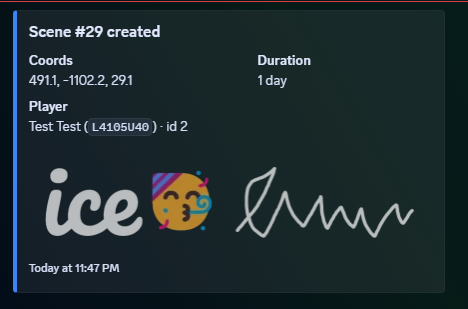
Every creation lands in your log channel with the actual drawing attached.
- Scene creations and copies log to a webhook with the drawing embedded, plus creator identity, coordinates and the picked duration.
- The logger is an open server-side file: edit the embeds freely.
- Server events fire on scene creation and deletion for your own logging or anticheat integrations.
Expiry & Cleanup
Abandoned art cleans itself up.
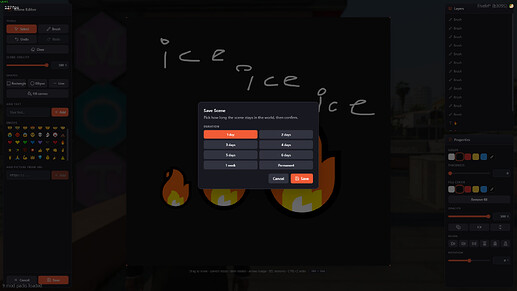
- Every scene carries a creator-picked duration from a configurable list.
- Scenes nobody has rendered for a configurable number of days are pruned automatically, including drawings stuck on objects that no longer spawn.
Permissions
Open the feature to everyone or gate it exactly as tightly as you want.
- Identifier allow-list, jobs and gangs with grade and zone restrictions, or your own custom check function.
- Zone limits are enforced server-side on every save, move and copy, not just in the preview.
- Admins come from an identifier list or the
command ace.
Performance
Built to sit at 0.00 ms when nothing is happening.
- Nothing is pushed at join: scene geometry syncs per grid cell around each player and images stream on demand behind a flood guard.
- Texture memory is pooled and bounded, occlusion culling skips scenes behind walls, and the render tick stops entirely when nothing is visible.
- Attached scenes cost practically nothing while their anchor object stands still.
- Every save, edit, move and copy is re-validated server-side: authorization, zones, image bytes and rate limits included.
Framework & Compatibility
Auto-detects your framework and bridges to your existing systems; pick auto or force any option in the config:
- Frameworks: ESX · QBCore · QBox (auto-detect) · standalone
- Notify: builtin · ox_lib · qb · esx · okokNotify · ps-ui · lation_ui · wasabi_notify · zsxui
Configurable cfg.lua, open locales/ for any language, open bridge files to integrate anything we don’t cover, and automatic data retention/cleanup.
More compatibility options are added over time; open a ticket for the most up-to-date list.
![Scenes: Draw everywhere [Open Source]](https://dunb17ur4ymx4.cloudfront.net/packages/images/016ca0642a64d6774926d36b629650dd8895276e.png)